Graphic design was once a specialized skill. Creating posters, social media creatives, presentations, or marketing visuals required expensive software and professional training. For individuals, startups, and small businesses, design often felt slow, complex, and costly. That reality has changed-and the reason is Canva.
If you are searching what is Canva, this pillar guide will give you a deep and structured understanding of how Canva works, why it became so popular, and how it transformed graphic design for beginners and professionals worldwide.
This is an in-depth guide that explains the Canva design tool, Canva graphic design approach, Canva templates, and the Canva online editor-from the ground up.
What Is Canva?
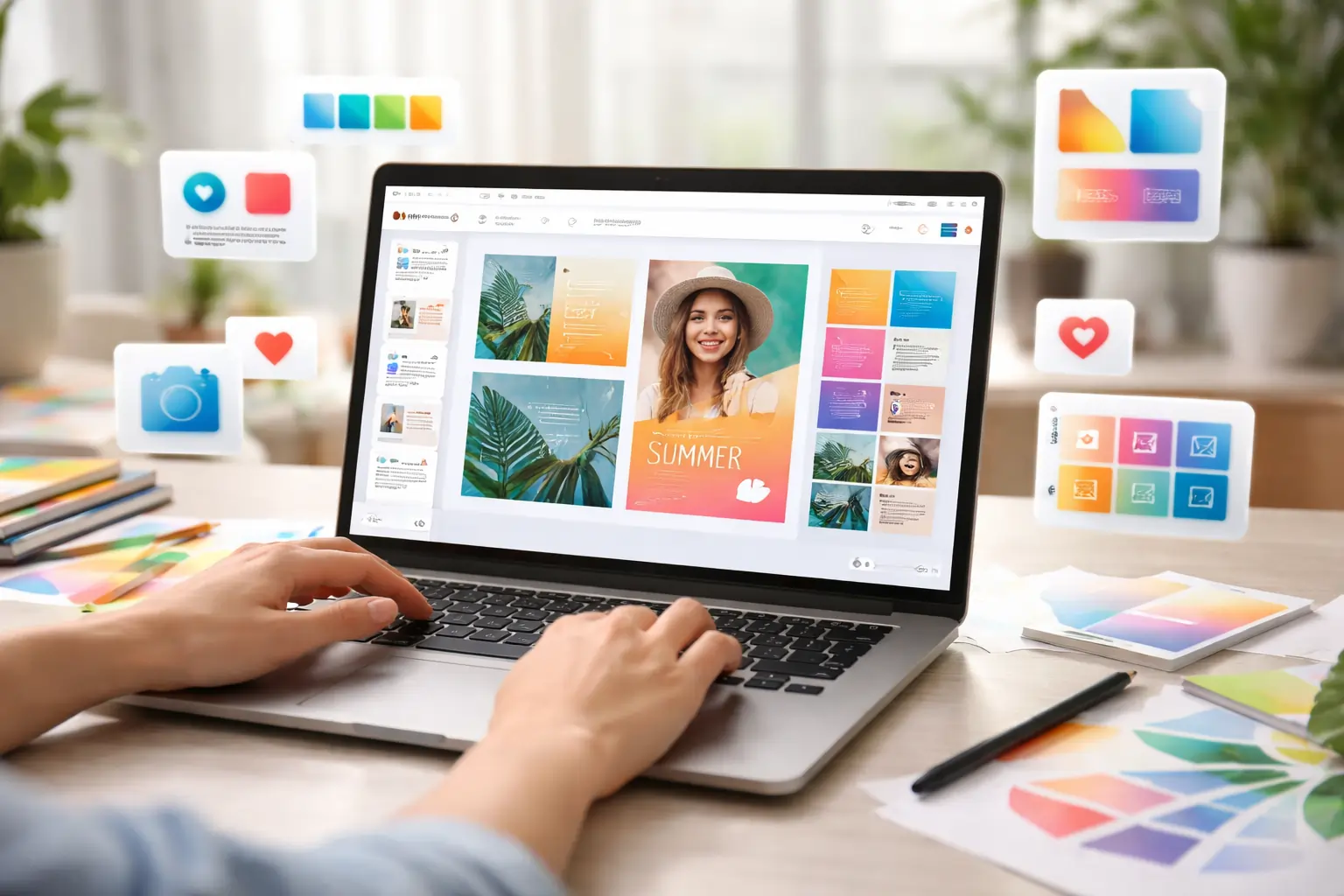
Canva is an online graphic design platform that allows users to create professional-quality designs using a drag-and-drop editor, pre-designed templates, and built-in visual elements-without requiring prior graphic design experience.
This simplicity is why Canva graphic design is often described as the tool that made everyone a graphic designer.
Why Canva Was Needed in the First Place
Before Canva, graphic design tools were built mainly for professionals. While powerful, they demanded time, training, and technical expertise. For everyday needs-like social media posts, presentations, flyers, or marketing creatives-these tools were too complex.
Canva identified a simple truth:
People don’t want to become designers-they just want good designs.
To solve this, the Canva design tool focused on:
-
Removing technical complexity
-
Automating design best practices
-
Providing ready-made visual layouts
This shift turned design from a technical skill into an everyday productivity task.
How Canva Changed Graphic Design Forever
Canva didn’t just launch another design tool-it changed the design mindset.
Instead of starting from a blank canvas, users start with structure. Instead of worrying about spacing, font pairing, or alignment, Canva handles these decisions automatically. This removes fear and confusion from the design process.
Because of this:
-
Canva graphic design became accessible to non-designers
-
Businesses reduced dependency on designers for basic tasks
-
Content creation became faster and more scalable
This is why Canva is used by students, freelancers, startups, marketers, and enterprises alike.
How the Canva Online Editor Works
The Canva online editor is cloud-based, which means:
-
No software installation
-
Designs are saved automatically
-
Work can be accessed from any device
The typical Canva workflow looks like this:
-
Choose a design type (social post, presentation, flyer)
-
Select a template or start from scratch
-
Customize text, colors, images, and elements
-
Download, share, or publish the design
This simple workflow is a key reason what is Canva is one of the most searched design questions online.
Core Components of the Canva Design Tool
The power of the Canva design tool lies in its simplicity. It is built around a few core components that make design easy for everyone.
Drag-and-Drop Editing
Users can move text, images, and elements freely. Canva automatically maintains spacing and alignment, reducing design errors.
Visual Elements Library
Canva includes icons, illustrations, photos, shapes, charts, and graphics-eliminating the need for external stock websites.
Typography System
Fonts in Canva are curated and pre-paired. This ensures text looks professional without manual adjustments.
Together, these features make Canva graphic design approachable even for complete beginners.
Canva Templates- The Real Strength of Canva
One of the biggest reasons Canva became so popular is its massive library of Canva templates.
Templates are professionally designed layouts that users can customize instead of starting from scratch. They are available for:
-
Social media posts and ads
-
Presentations and pitch decks
-
Posters, flyers, and brochures
-
Business cards, resumes, and certificates
Templates not only save time but also teach users good design principles subconsciously. This is a major reason what is Canva searches continue to grow.
Canva Graphic Design vs Traditional Design Tools
Traditional design tools focus on complete creative control but require expertise. Canva focuses on speed, usability, and consistency.
For complex, custom design work, professionals may still use advanced tools. But for daily design needs, Canva graphic design offers the perfect balance between quality and ease of use.
This makes Canva ideal for marketing teams, content creators, and small businesses.
Who Uses Canva and Why
Canva is not limited to one type of user. Its flexibility makes it useful across industries.
Common users of Canva include:
-
Students creating presentations and assignments
-
Freelancers designing client visuals
-
Marketers producing social media creatives
-
Startups building brand assets
-
Small businesses handling in-house design
This wide adoption proves Canva is more than a tool-it’s a visual communication platform.
Why Canva Is Ideal for Non-Designers
The biggest strength of Canva is confidence. It removes fear from design.
Users don’t need to understand color theory or typography rules. Canva guides users visually and structurally, allowing creativity without overwhelm. This is exactly why so many people confidently use Canva online editor without any design background.
Canva Free vs Canva Pro- What’s the Difference?
One of the most common questions users ask after understanding what is Canva is whether the free version is enough or if Canva Pro is worth it.
The free version of Canva is powerful, but Canva Pro unlocks features designed for speed, branding, and professional workflows.
Comparison: Canva Free vs Canva Pro
|
Feature |
Canva Free |
Canva Pro |
|
Templates |
Limited |
Premium templates |
|
Stock photos & videos |
Limited |
Millions of premium assets |
|
Brand Kit |
No |
Yes |
|
Background remover |
No |
Yes |
|
Resize designs |
No |
Yes |
|
Collaboration tools |
Basic |
Advanced |
For casual users, the free version works well. For businesses and marketers, Canva Pro features save significant time and effort.
Canva Pro Features Explained in Detail
Understanding Canva Pro features helps users decide whether it fits their workflow.
Brand Kit
The Brand Kit allows users to store brand colors, fonts, and logos in one place. This ensures visual consistency across all designs.
This feature is essential for:
-
Businesses
-
Startups
-
Agencies
-
Personal brands
Background Remover
One of the most popular Canva Pro features is the background remover. With a single click, users can remove backgrounds from images without using complex tools.
Magic Resize
Magic Resize allows users to convert one design into multiple formats instantly. For example, a single Instagram post can be resized into a Facebook post, banner, or story.
This feature alone makes Canva Pro valuable for social media marketers.
Advanced Canva Templates for Professionals
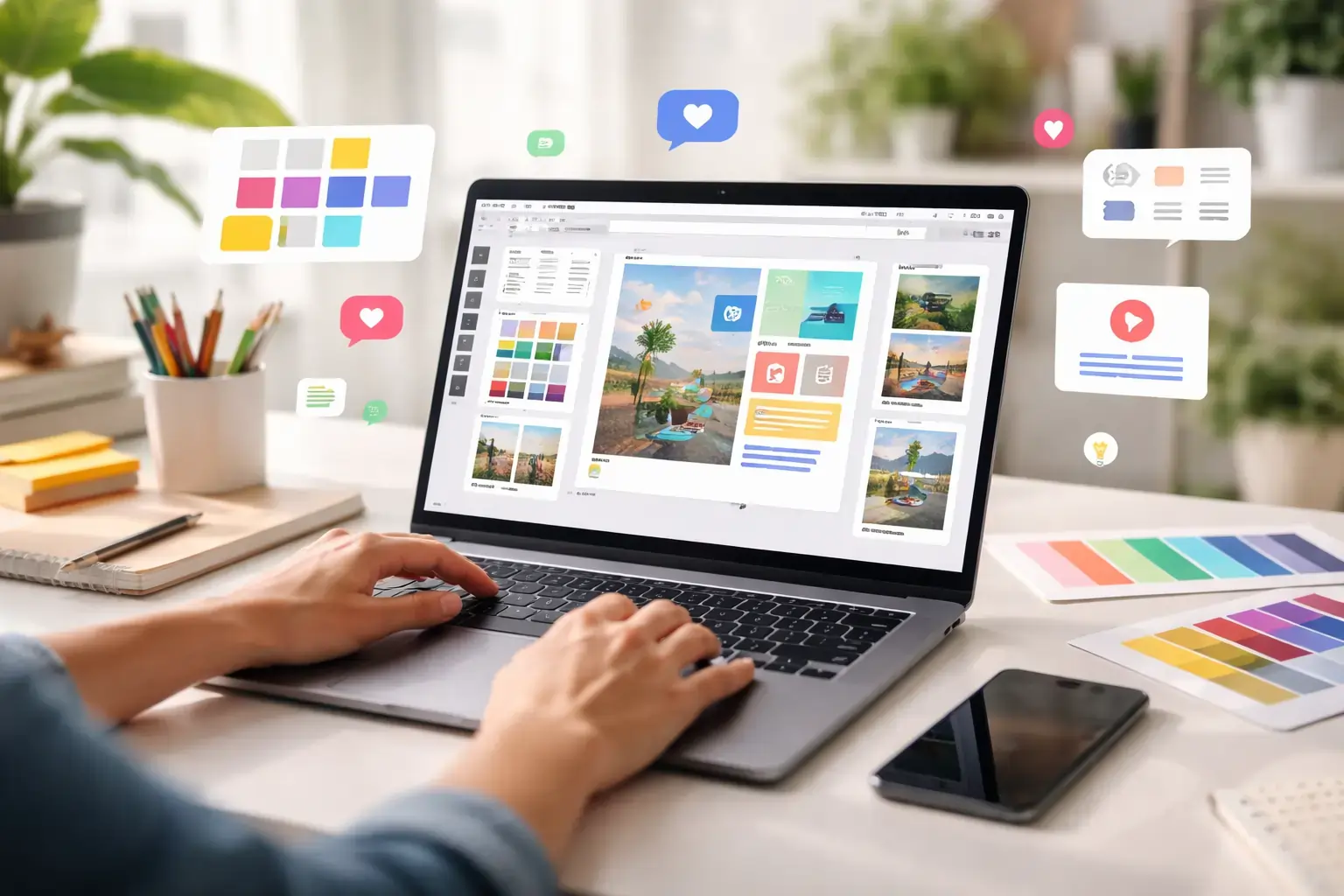
While beginners rely on basic templates, professionals use advanced Canva templates designed for branding and marketing.
Advanced templates include:
-
Marketing funnels
-
Brand presentations
-
Sales decks
-
Social media campaigns
These templates follow proven design structures, making them ideal for conversion-focused content.
Canva Graphic Design for Marketing Teams
Marketing teams use Canva graphic design to produce content quickly without relying on designers for every asset.
Common marketing use cases include:
-
Social media creatives
-
Ad visuals
-
Blog graphics
-
Email banners
Because Canva is cloud-based, teams can collaborate, review designs, and maintain brand consistency easily.
How the Canva Online Editor Supports Collaboration
The Canva online editor is built for collaboration.
Multiple users can:
-
Edit the same design simultaneously
-
Leave comments and suggestions
-
Share designs with view or edit access
This makes Canva especially useful for remote teams and agencies.
Canva for Social Media Content Creation
Social media is one of Canva’s strongest use cases.
Canva provides ready-made templates for:
-
Instagram posts and stories
-
Facebook ads
-
LinkedIn graphics
-
YouTube thumbnails
Using Canva templates, marketers can maintain consistent branding across platforms without recreating designs from scratch.
Canva for Presentations and Business Documents
Beyond social media, Canva design tool is widely used for presentations and documents.
Canva presentations are visually stronger than traditional slide tools because:
-
Layouts are professionally designed
-
Font pairing is handled automatically
-
Visual hierarchy is clear
This makes Canva presentations ideal for:
-
Sales pitches
-
Investor decks
-
Internal meetings
Canva for Small Businesses and Startups
Small businesses often don’t have in-house designers. Canva solves this problem.
Using Canva graphic design, businesses can:
-
Create logos and brand assets
-
Design marketing materials
-
Build social media presence
-
Maintain visual consistency
This reduces costs and speeds up execution.
Limitations of Canva You Should Know
While Canva is powerful, it has limitations.
Canva is not ideal for:
-
Highly complex illustrations
-
Advanced photo manipulation
-
Pixel-perfect custom designs
Professional designers may still prefer advanced tools for high-end work. However, for most use cases, what is Canva offers more than enough functionality.
Why Canva Continues to Grow Globally
Canva’s growth is driven by three core strengths:
-
Ease of use
-
Speed
-
Accessibility
As visual content demand increases, tools like Canva become essential rather than optional.
This is why Canva online editor continues to dominate the design space.
How Businesses Use Canva at Scale
For businesses, design is no longer optional. Visual content is required for marketing, sales, internal communication, and branding. This is where Canva design tool becomes extremely valuable.
Businesses use Canva to-
-
Maintain brand consistency
-
Reduce dependency on designers
-
Speed up marketing execution
Because Canva is cloud-based, teams can collaborate without friction. Designs are shared instantly, feedback is added directly, and updates happen in real time.
This makes what is Canva a critical question for modern businesses.
Canva for Teams and Collaboration
Canva offers dedicated features for teams, especially in the Pro and Teams plans.
Shared Brand Assets
Teams can access a shared Brand Kit containing logos, fonts, and colors. This ensures every design follows brand guidelines.
Real-Time Collaboration
Multiple team members can work on the same design simultaneously. Comments and suggestions improve review workflows.
Access Control
Admins can manage who can view, edit, or publish designs.
These features make the Canva online editor suitable for distributed and remote teams.
Canva for Marketing and Content Creation
Marketing teams rely heavily on Canva graphic design for daily content needs.
Common marketing workflows include:
-
Social media campaigns
-
Blog feature images
-
Email banners
-
Paid ad creatives
Because Canva templates are already optimized for platforms like Instagram, Facebook, and LinkedIn, marketers save time while maintaining professional quality.
This is why Canva is widely adopted in content marketing teams.
How Canva Fits into SEO and Content Workflows
While Canva is not an SEO tool, it plays an important supporting role in SEO workflows.
Designs created using Canva templates help improve:
-
Click-through rates (CTR)
-
Visual engagement
-
Content readability
For example, Canva is commonly used to design:
-
Blog featured images
-
Infographics
-
Content visuals
These visuals make content more engaging and shareable, indirectly supporting SEO performance.
Canva Online Editor vs Traditional Design Software
It’s important to understand where Canva fits compared to traditional tools.
Where Canva Excels
-
Speed and ease of use
-
Templates for common design needs
-
Collaboration and accessibility
Where Canva Has Limitations
-
Advanced photo manipulation
-
Highly custom illustrations
-
Complex design workflows
Professional designers may still use advanced tools for complex projects, but for most business and marketing needs, Canva design tool is more than sufficient.
Canva Alternatives: When to Look Beyond Canva
While Canva is powerful, it’s not the only design platform available.
Users may explore alternatives when they need:
-
Advanced illustration tools
-
Pixel-perfect control
-
Specialized design features
However, for users asking what is Canva, the platform remains the best starting point for visual content creation.
Why Canva Continues to Dominate Graphic Design
Canva’s success is not accidental. It continues to grow because it focuses on three key principles:
-
Simplicity
-
Speed
-
Accessibility
As demand for visual content increases, tools that simplify design will dominate. This is why Canva graphic design remains relevant across industries.
Who Should Use Canva
Canva is ideal for:
-
Students
-
Freelancers
-
Startups
-
Marketing teams
-
Small and medium businesses
If your goal is to create professional-looking designs without investing time in learning complex tools, Canva is the right choice.
Final Verdict: Is Canva Worth Using?
So, what is Canva really?
Canva is not just a design tool. It is a visual productivity platform that empowers anyone to communicate ideas visually. By removing complexity and providing structure, Canva allows users to focus on creativity and messaging.
For most users, Canva offers the perfect balance between quality and ease of use. Used correctly, it can significantly improve branding, marketing efficiency, and content quality.
FAQs (People Also Ask)
1. What is Canva used for?
Canva is used for creating graphics, presentations, social media posts, marketing materials, and visual content.
2. Is Canva free to use?
Yes, Canva offers a free version with optional Pro features.
3. What are Canva Pro features?
Canva Pro features include premium templates, Brand Kit, background remover, and Magic Resize.
4. Is Canva good for businesses?
Yes, Canva is widely used by businesses for branding and marketing.
5. Can beginners use Canva easily?
Yes, Canva is designed for users with no design experience.
6. Is Canva better than traditional design tools?
For everyday design needs, yes. For advanced design work, traditional tools may be better.
7. Can Canva be used for social media marketing?
Yes, Canva is one of the most popular tools for social media content creation.